
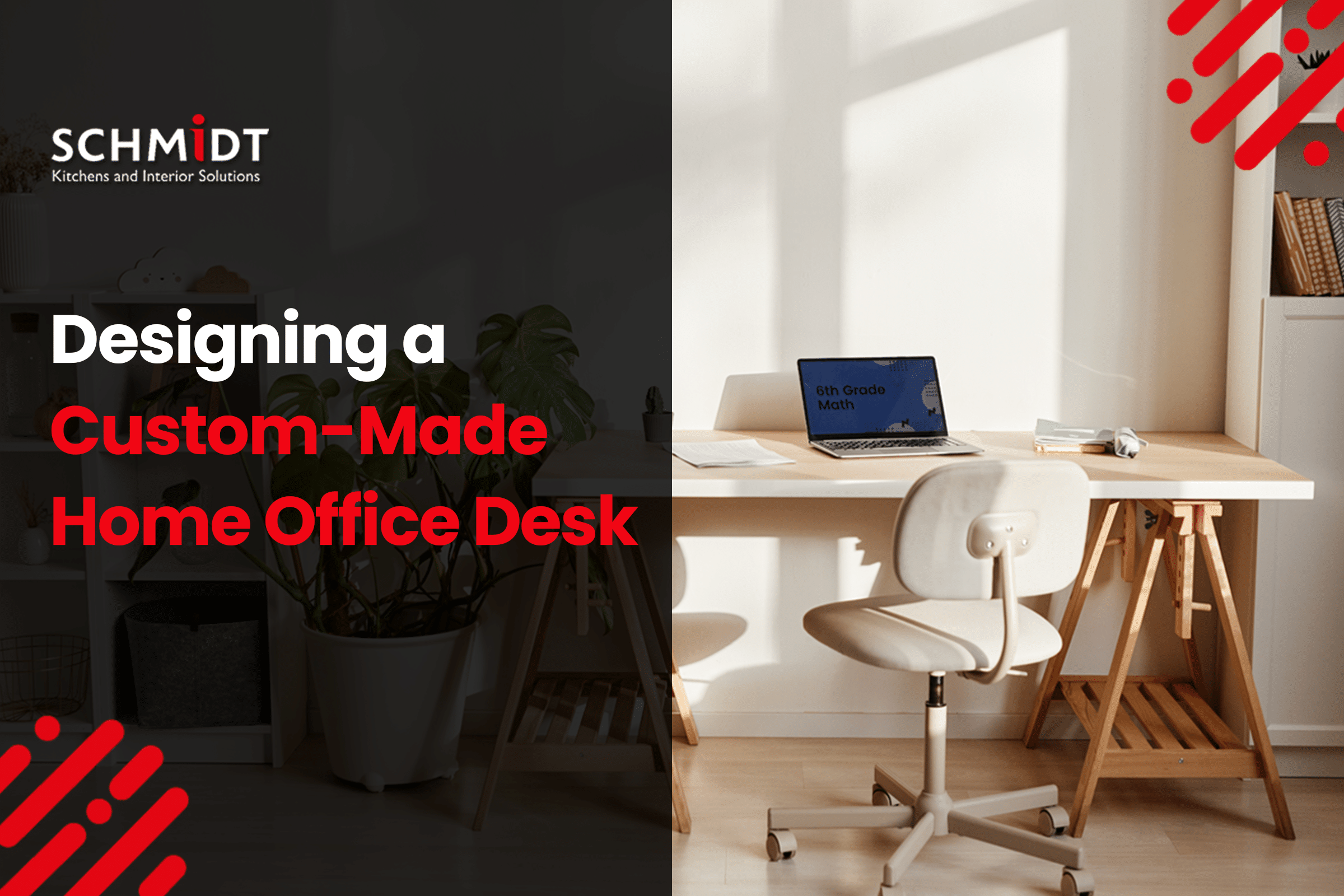
Designing your workspace and work table demands that you have a thorough knowledge of how you work and what you work with. Envision your workspace. Do you use multiple laptops, tablets, phones, keyboards, and other electronic devices? Are you a sucker for coffee 24/7, but can’t find a place to land your coffee mug? Do you keep wishing your desk had more space than you presently have? Or have you got space constraints in your home office? As you can see, there are plenty of considerations to bear in mind before you make a custom desk for a home office in Sydney.
In this blog, we share some pointers with you to help you design the best custom home office furniture, such as a desk.
- Ergonomics
These are not optional. Ignore them, and you’ll end up with a beautiful desk that hurts to use.
Rule 1 – The seated/standing truth: Unless you have a disability that prevents standing, build your custom desk for both. A custom desk doesn’t have to be motorized (a hand-crank works), but fixed-height desks are obsolete for daily computer work. Aim for an adjustable range: 25″ – 50″.
Rule 2 – The elbow test: When seated, your elbows should form a 90°–110° angle with your hands on the keyboard. Measure from the floor to your elbow in this position. That’s your ideal seated height. For standing, measure from the floor to the elbow while standing upright.
You need to feel absolutely comfortable at your desk if you plan on getting work done.
- Depth
Depth is how far the custom desk reaches from your belly to the wall.
- 24 inches – This is the absolute minimum for a computer desk. It works if you use a laptop only (no separate keyboard) and push it against the wall. But try adding a monitor stand or writing on paper? Suddenly, your keyboard is hanging off the edge. Avoid unless you’re truly desperate for space.
- 30 inches – The sweet spot for 90% of people. Push a 24″ monitor to the back. Place a full-size keyboard and mouse in front. You’ll still have 6–8 inches left for a notebook, coffee, or phone. Your eyes stay a healthy 20–28 inches from the screen.
- 36 inches – Great for creative pros: video editors, traders with 3–4 monitors, or anyone using a drawing tablet in front of a keyboard. But: light from your monitor won’t reach the front edge well. You’ll need a desk lamp or overhead light to avoid working in your own shadow.
Quick test: Sit at your current desk. Place your hands on the keyboard. Measure from the wall to your elbows. Add 3 inches. That’s your ideal depth.
-
Width
Lay out everything you use daily. Not “might use”, but actually use.
- 48 inches – A single laptop and a notebook. Or a small 24″ monitor plus a cup and phone. Good for a tiny home office or a corner of a bedroom.
- 60–72 inches – At 60″, you get: one 27″ monitor, a laptop off to the side, speakers, a small lamp, and still room to write. At 72″, add a second monitor or a dedicated paperwork area.
- 84 inches or more – Only if you run multiple computers, large-format printers, or you genuinely work across 3+ screens simultaneously. Otherwise, you’re building a very nice shelf.
-
Thickness
- ¾ inch (0.75″) – Perfect if you’re applying a laminate or wood veneer over plywood, or if you’re using MDF and wrapping it. It’s strong enough for most home offices. Just add an apron or support bracket for spans over 48 inches.
- 1 inch – A good, lightweight, solid feel. Ideal for hardwoods like walnut or oak. Won’t bow under two monitors.
- 1.5 inches – This is the “professional” thickness you see in high-end photos. It feels substantial, resists flexing across long spans (up to 72 inches without center support), and looks expensive. But it’s heavy—a 6-foot by 30-inch walnut slab at 1.5″ thick weighs over 60 pounds. Make sure your wall or legs can handle it.
-
Accessorize
“Accessorize” a custom-made desk for the home office by incorporating drawers, a cable management system around the side, a hidden charging point, stationery troughs, and a cup holder for water or coffee. These are some of the accessories that a custom-made desk for a home office in Sydney ought to have.
Conclusion: Reach out to the best home office designers in Sydney
Schmidt Sydney is a leading designer of custom home offices in Sydney. We seek to help those who want a custom desk or home office designed in Sydney by creating a bespoke desk according to their unique needs.
FREQUENTLY ASKED QUESTIONS
- How much clearance do I need behind my desk chair?
Always leave at least 36 to 42 inches of clearance behind your desk chair.
- How much more expensive is a custom desk compared to a standard one?
Custom desks can cost anywhere from 30% to 100% more than standard desks, depending on materials, design complexity, and features.
- Should I get a sit-stand desk?
Yes, unless you have a medical reason not to. Fixed-height desks are increasingly obsolete for daily computer work.



Leave A Comment